
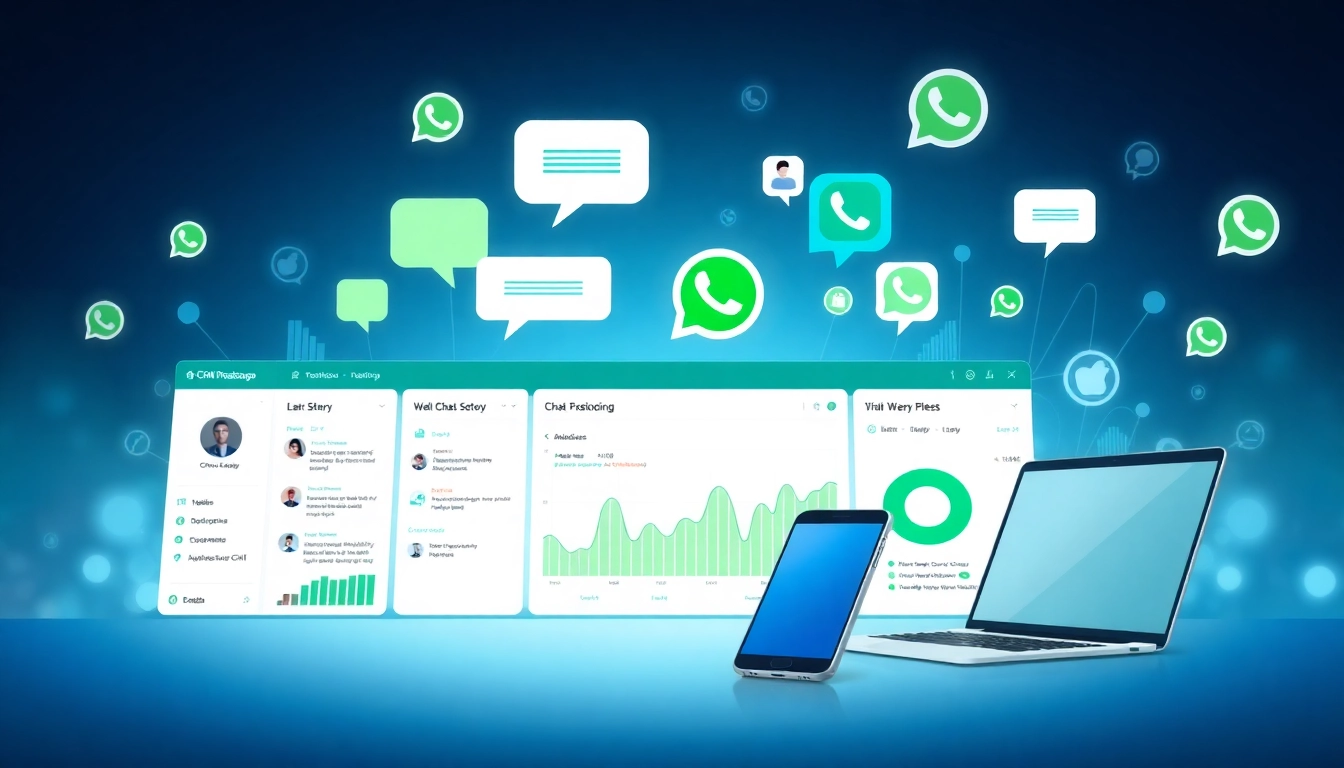
What is a CRM for WhatsApp?
In the world of digital communication, businesses must stay ahead of the curve and adapt to the changing landscape of customer interaction. Enter the concept of a CRM for WhatsApp, a tool that is revolutionizing how organizations manage their relationships with customers via one of the most popular messaging platforms in the world. Understanding What is a CRM for WhatsApp involves appreciating the integration between customer relationship management systems and WhatsApp, which can significantly enhance customer engagement and streamline business processes.
Defining the Concept and Features
A CRM for WhatsApp is essentially a software application that combines the powerful capabilities of customer relationship management with the functionality of WhatsApp. This integration allows businesses to send messages, track customer interactions, and maintain a robust customer database directly through the WhatsApp platform. The features of a WhatsApp CRM include:
- Message Automation: Businesses can automate message replies based on predefined customer queries, enhancing response times.
- Contact Management: Easily manage contacts, categorize them, and keep all customer interactions organized.
- Analytics and Reporting: Gain insights into customer behavior and preferences through sophisticated analytics tools.
- Integration with Other Software: Seamless connection with existing CRM systems, allowing for a centralized view of customer data.
The combination of these features positions a CRM for WhatsApp as a powerful tool in modern customer service strategies.
How It Works with Messaging Platforms
WhatsApp’s API provides a framework through which businesses can communicate with customers in real time. A CRM for WhatsApp works by connecting this API to the CRM system, allowing for two-way conversations that are logged and analyzed for ongoing engagement strategies.
When a customer sends a message, the CRM’s automated system can respond with relevant information, ensuring that inquiries are addressed promptly. This not only improves customer satisfaction but also creates a comprehensive database of customer interactions that can inform future marketing and service efforts.
Importance in Customer Relationship Management
Effective customer relationship management hinges on the ability to communicate efficiently and build rapport with customers. As messaging becomes a preferred mode of communication, integrating WhatsApp into CRM strategies offers businesses an edge. This integration strengthens customer relationships by providing a personalized, immediate form of engagement that traditional communication channels often lack.
Key Benefits of Using a CRM for WhatsApp
Improving Communication Efficiency
One of the most significant advantages of utilizing a CRM for WhatsApp is the improvement in communication efficiency it brings. With the ability to automate responses and handle multiple customer queries simultaneously, businesses can bolster their operational efficiency. Automated replies eliminate the lag time that typically occurs with manual response systems, providing customers with instant answers.
Boosting Customer Engagement
Customer engagement is crucial for long-term retention and loyalty. CRMs that integrate with WhatsApp allow businesses to maintain ongoing conversations with customers, fostering a personalized experience. By leveraging rich media features such as images, videos, and voice messages, businesses can engage customers more creatively, enhancing their overall experience.
Streamlining Process Automation
Process automation is a key benefit of integrating WhatsApp into existing CRM systems. With automated workflows, companies can manage routine tasks such as reminders, follow-ups, and surveys without human intervention. This not only frees up staff to focus on higher-value interactions but also ensures that customer outreach is consistent and timely.
Choosing the Right CRM for WhatsApp
Features to Consider
When selecting a CRM for WhatsApp, it is vital to evaluate the features that align with your business needs. Key features to consider include:
- User-Friendly Interface: A straightforward user interface can reduce the time it takes for employees to adapt to the system.
- Customization Options: The ability to tailor the CRM to fit specific business workflows can improve usability and effectiveness.
- Analytics Tools: Robust reporting features that help track performance metrics such as response time and customer satisfaction are essential.
- Integration Capabilities: The CRM should be able to integrate seamlessly with existing software systems like ERP and email marketing tools.
Evaluating Integration Options
Integration is a critical component when choosing a CRM for WhatsApp. Look for a platform that offers easy connectivity to other CRMs, databases, and customer service tools. This interconnectedness allows for a consolidated view of customer interactions and enhances the overall effectiveness of the CRM system.
Understanding Pricing Structures
Certain considerations should guide your understanding of pricing when choosing a CRM for WhatsApp. Subscription models, tier-based pricing, and sometimes usage-based fees are all common structures. Assessing the expected return on investment versus the cost of the CRM will help ensure you choose a solution that provides value.
Implementing a CRM for WhatsApp Effectively
Step-by-Step Integration Guide
Implementing a CRM for WhatsApp involves several strategic steps:
- Define Objectives: Establish clear goals for what you want to achieve with the integration, be it improved response times, customer satisfaction, or lead generation.
- Select a CRM Provider: Research and select a CRM platform that meets your requirements.
- Set Up the Integration: Coordinate with your IT team or the CRM provider to connect the CRM to WhatsApp.
- Customize Your Workflows: Tailor workflows and automated messages to reflect your business’s voice and customer interactions.
- Train Your Team: Provide training for staff on using the new system and on best practices for customer communication.
- Monitor Performance: After implementation, continuously monitor the system, ensuring that it functions as expected and meets predefined objectives.
Best Practices for Usage
To maximize the effectiveness of your CRM for WhatsApp, adhere to best practices. Utilize customer data to personalize interactions, maintain a consistent message tone, and be responsive to customer needs. It is also vital to regularly evaluate feedback to refine engagement strategies.
Training and Resource Allocation
Effective implementation of a CRM for WhatsApp requires appropriate training and resources. Invest in comprehensive training programs for your team to ensure they are equipped to leverage all features of the CRM effectively. Allocate resources for ongoing learning and adaptation as new tools and features are developed.
Measuring Success with a CRM for WhatsApp
Setting Key Performance Indicators
To measure the success of a CRM for WhatsApp, establish clear Key Performance Indicators (KPIs) that reflect your business goals. Possible KPIs include:
- Response Time
- Customer Satisfaction Scores
- Engagement Rates
- Total Interactions
Regularly evaluate these indicators to gauge performance and make informed decisions about your CRM strategy.
Analyzing Data for Insights
The analytical capabilities of a CRM for WhatsApp can yield profound insights into customer behavior and preferences. Use this data to assess trends, identify pain points, and optimize processes. Analyzing customer interactions will not only provide a glimpse into customer satisfaction but will also help refine marketing strategies.
Adjusting Strategies Based on Performance
Continuous improvement is essential for success. Based on the analysis of the data and performance metrics, make necessary adjustments to your strategies. This might involve refining automated responses, tweaking engagement tactics, or even revisiting workflow efficiencies.