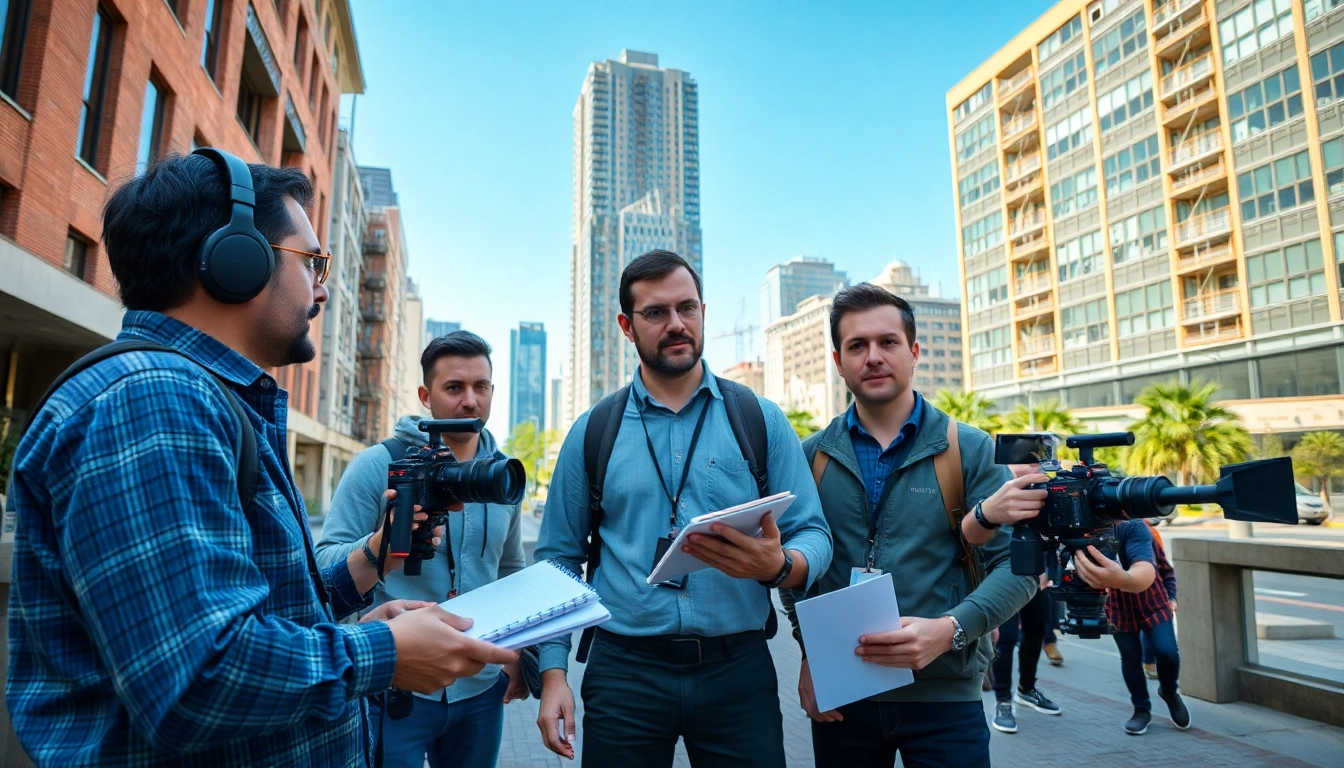
Understanding the Basics of Video Capture
What is Video Capture?
Video capture involves the recording of moving images and sounds, generally using a camera or similar device. This process can encompass everything from digital filmmaking to live streaming. The essence of video capture lies in its ability to document moments, convey messages, and create visuals that can entertain or inform. In today’s digital world, video capture is accessible to a wide audience, enabling anyone with the right tools and knowledge to tell their story.
Essential Equipment for Effective Video Capture
Equipping yourself with the right tools is crucial for high-quality video capture. The primary elements include:
- Cameras: A DSLR, mirrorless, or camcorder can significantly impact your video quality. Higher-end options often provide better sensors and image processing capabilities.
- Tripods: Stabilizing your camera will reduce shaking and produce smoother footage, which is especially important for interviews or static shots.
- Microphones: Good audio quality is essential. An external microphone can capture sound much clearer than the onboard mic of a camera.
- Lighting Equipment: Lighting plays a significant role in video quality. Softboxes or LED panels can help create a controlled environment.
- Editing Software: Post-production editing software is pivotal for cutting, arranging, and enhancing your video content.
Common Video Capture Techniques
Understanding various techniques can elevate your video storytelling. Here are some common methods:
- Framing: How you frame your subject affects viewer perception. Utilizing the rule of thirds can help create compelling compositions.
- Focus Pulling: This technique shifts focus between subjects, guiding viewer attention and adding dynamic layers to storytelling.
- Slow Motion and Time-Lapse: These are powerful techniques that can heighten drama or demonstrate the passage of time effectively.
Choosing the Right Environment for Video Capture
Natural Light vs. Artificial Lighting for Video Capture
Lighting significantly influences the quality of your video. Natural light is often preferred for its soft, flattering quality during the golden hours (early morning and late afternoon). However, relying solely on it can be unpredictable. In contrast, artificial lighting gives you control over the environment, allowing you to create consistent and appealing footage. Combining both can often yield the best results, providing rich visuals that engage your audience.
Outdoor Settings: Pros and Cons
Filming outdoors has its advantages, such as natural scenery and lighting. However, it poses challenges like fluctuating weather and background noise. Consider the following:
- Pros: Beautiful backdrops, natural light, and unique atmosphere.
- Cons: Unpredictable conditions, potential distractions, and noise from surrounding environments.
Indoor Video Capture Setup Considerations
Setting up indoors allows for greater control over lighting and sound. Here are considerations to enhance your indoor setup:
- Space Arrangement: Clear the area of clutter to avoid distractions and ensure visual focus on the subject.
- Sound Treatment: Use rugs or curtains to dampen echoes and improve audio quality.
- Lighting Control: Manipulating window lights and artificial lighting sources can result in the perfect ambiance.
Advanced Techniques in Video Capture
Using Angles and Perspectives for Impact
Varying angles and perspectives can create a compelling visual narrative. Techniques like high-angle shots can portray vulnerability, while low-angle shots can convey power. Additionally, using wide shots can provide context, while close-ups can evoke emotional responses. Experimenting with these angles will enhance the overall effectiveness and engagement of your videos.
Incorporating Movement in Video Capture
Movement can add a dynamic quality to your video. Techniques can include:
- Camera Movement: Panning, tilting, and tracking shots can add life and dimension.
- Subject Movement: Capturing action, whether dancing or walking, can convey energy and excitement.
- Vehicle Shots: Incorporating drones or gimbals for smooth transitions enhances the viewing experience.
Sound Design Essentials for Effective Video Capture
Sound design is more than just capturing dialogue; it involves the integration of ambient sounds, effects, and music to enrich your video. Proper mixing and mastering can significantly elevate the viewer’s experience. Utilizing soundscapes, foley effects, and background music can complement the visuals, creating a more immersive storytelling experience.
Editing and Post-Production in Video Capture
The Importance of Editing in Video Capture
Editing transforms raw footage into a polished final product. It involves cutting unnecessary scenes, maximizing pace, and ensuring coherence in storytelling. Proper editing can enhance the overall narrative, maintain viewer interest, and lend professionalism to your content.
Software Options for Editing Your Video Capture
A range of software is available for editing video capture, catering to different skill levels and needs. Some of the common options include:
- Adobe Premiere Pro: A professional-grade software with robust features for comprehensive video editing.
- Final Cut Pro: Preferred by many Mac users for its intuitive interface and powerful capabilities.
- DaVinci Resolve: Known for its advanced color correction and audio capabilities, offering both free and paid versions.
Tips for Seamless Video Capture Integration
To ensure a seamless integration of video capture into your final product, consider these tips:
- Consistent Style: Maintain a cohesive visual and auditory style throughout your video.
- Review Footage: Regularly review your footage to ensure alignment with the intended story.
- Seek Feedback: Getting opinions from others can reveal insights and areas of improvement.
Measuring the Success of Your Video Capture
Key Metrics to Evaluate Video Capture Performance
To measure the success of your video capture efforts, consider metrics such as views, watch time, and conversions. Analyzing these figures allows you to gauge audience engagement and refine future strategies. Additionally, tools like Google Analytics can help track performance across various platforms.
Understanding Viewer Engagement for Video Capture
Engagement is crucial in assessing the effectiveness of your video. Look at factors such as likes, comments, shares, and viewer retention rates. High engagement indicates that your content resonates with viewers, while low engagement suggests a need for improvement.
Adapting Strategies Based on Analytics
Utilizing analytics is vital for evolving your video capture strategy. Regularly assess the data to identify trends and areas needing adjustment. Adopting an agile approach enables you to optimize content for better results and aligns with viewer preferences.
Frequently Asked Questions
What is the best camera for video capture?
The best camera depends on your needs, but DSLRs and mirrorless cameras are popular for high-quality video capture.
How should I set up lighting for video capture?
Natural lighting is ideal, but softbox lights work well for controlled indoor setups to avoid harsh shadows.
What file format is best for video capture?
MP4 is widely recommended for video capture due to its balance of quality and file size.
Can I use a smartphone for video capture effectively?
Yes, modern smartphones have excellent cameras and features for high-quality video capture, especially in good lighting.
How important is sound in video capture?
Sound is crucial; poor audio quality can ruin the viewer experience, so use external mics when possible for better clarity.